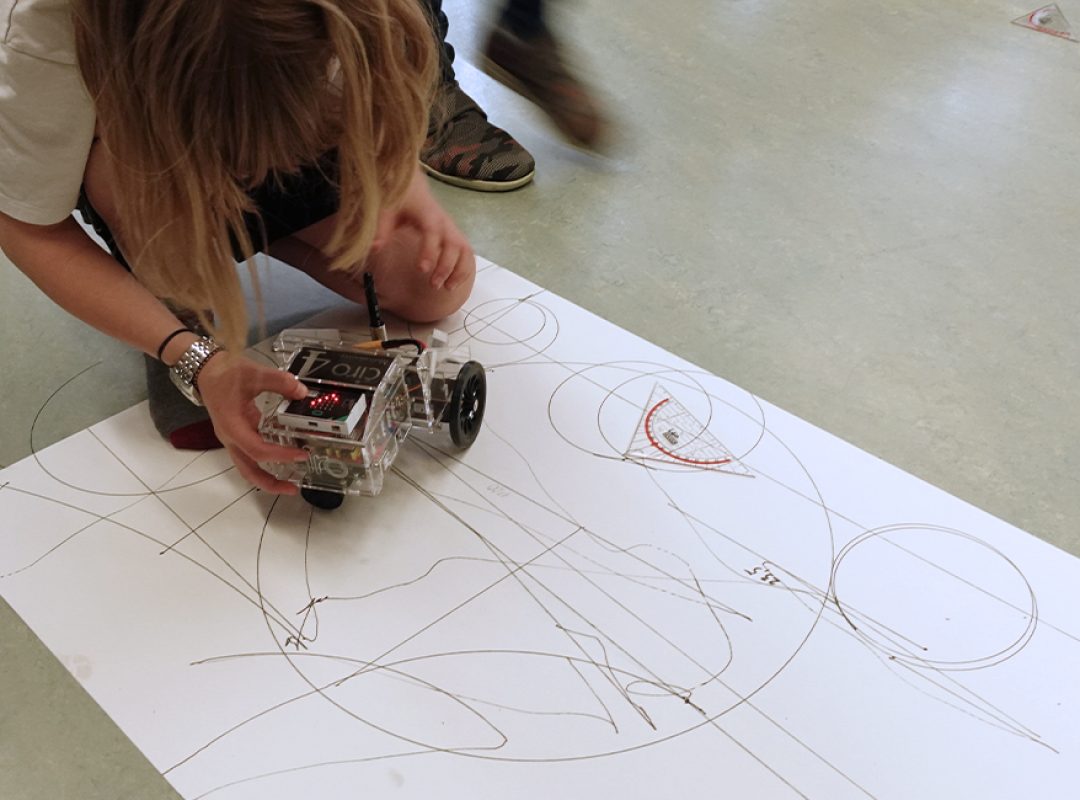
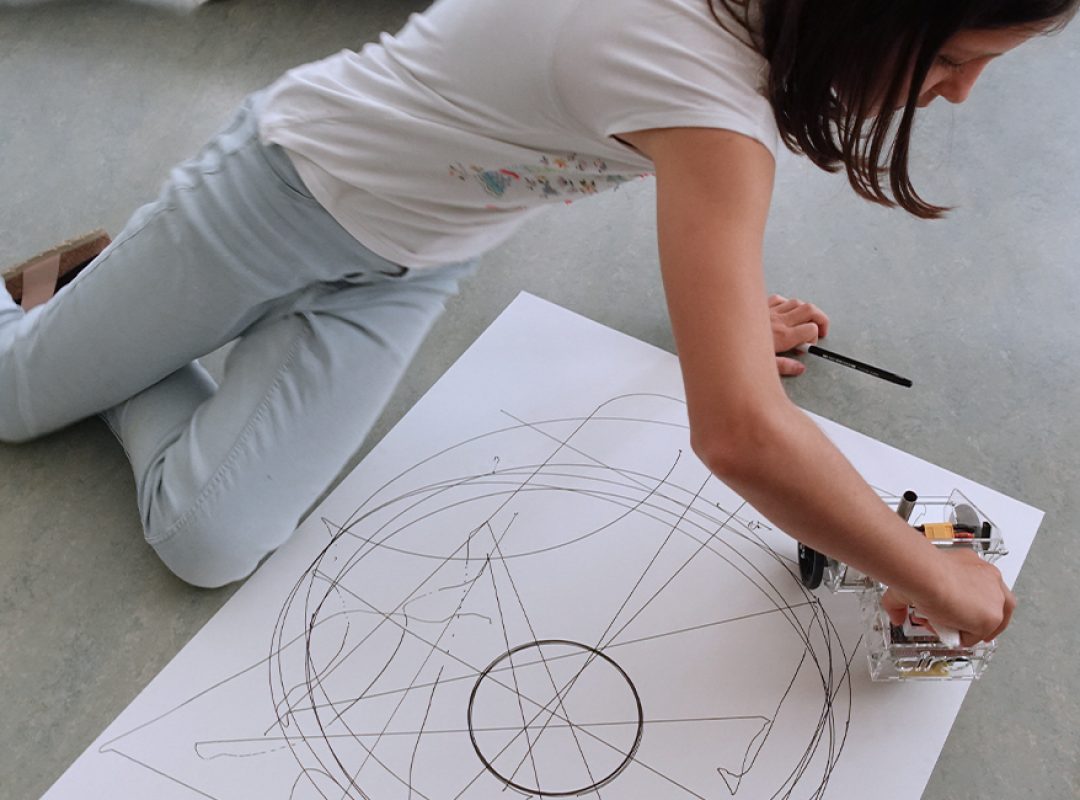
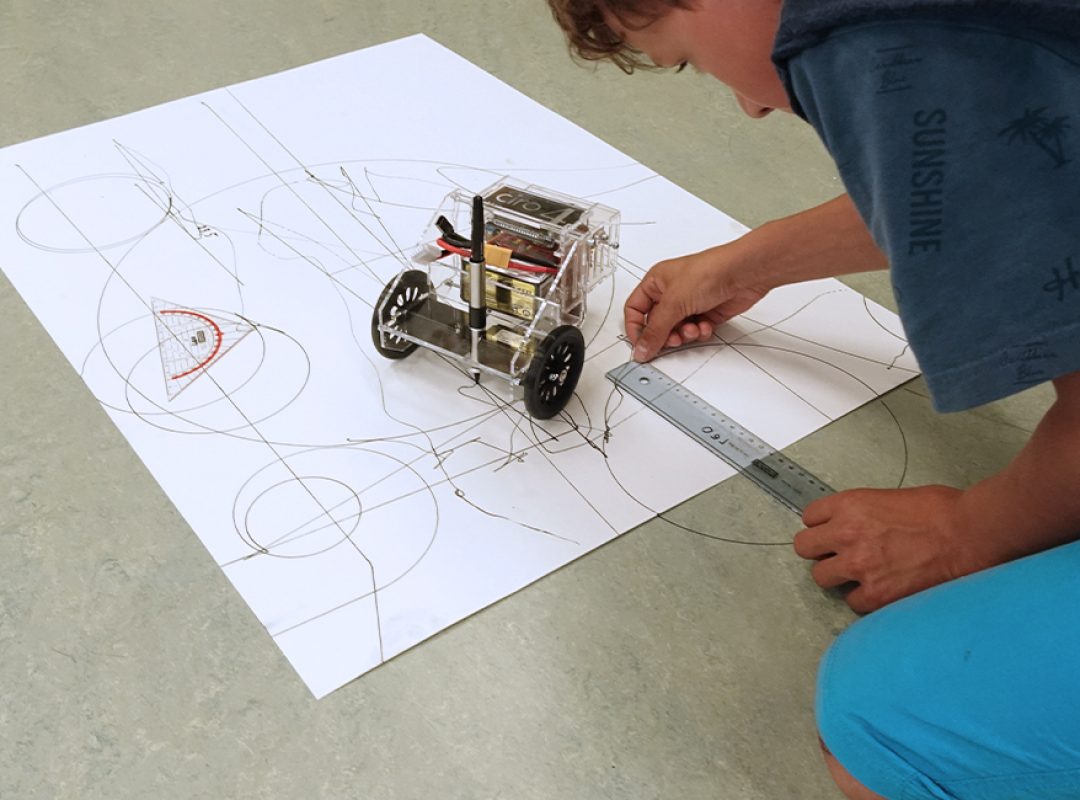
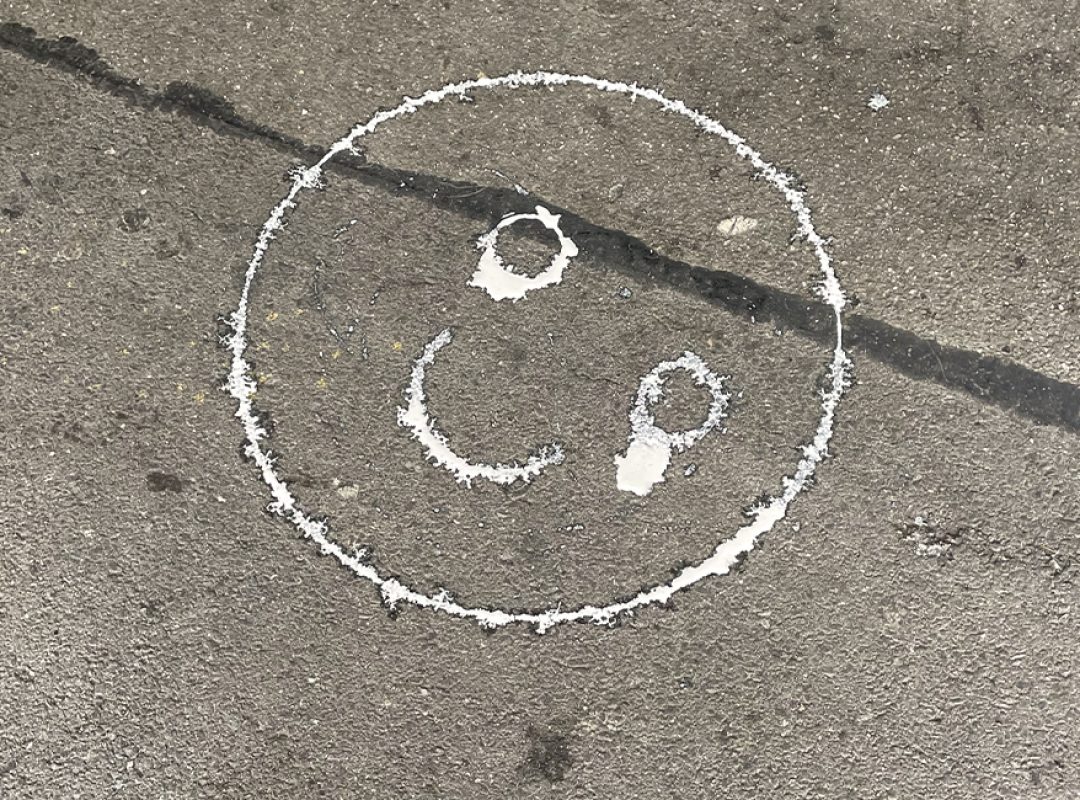
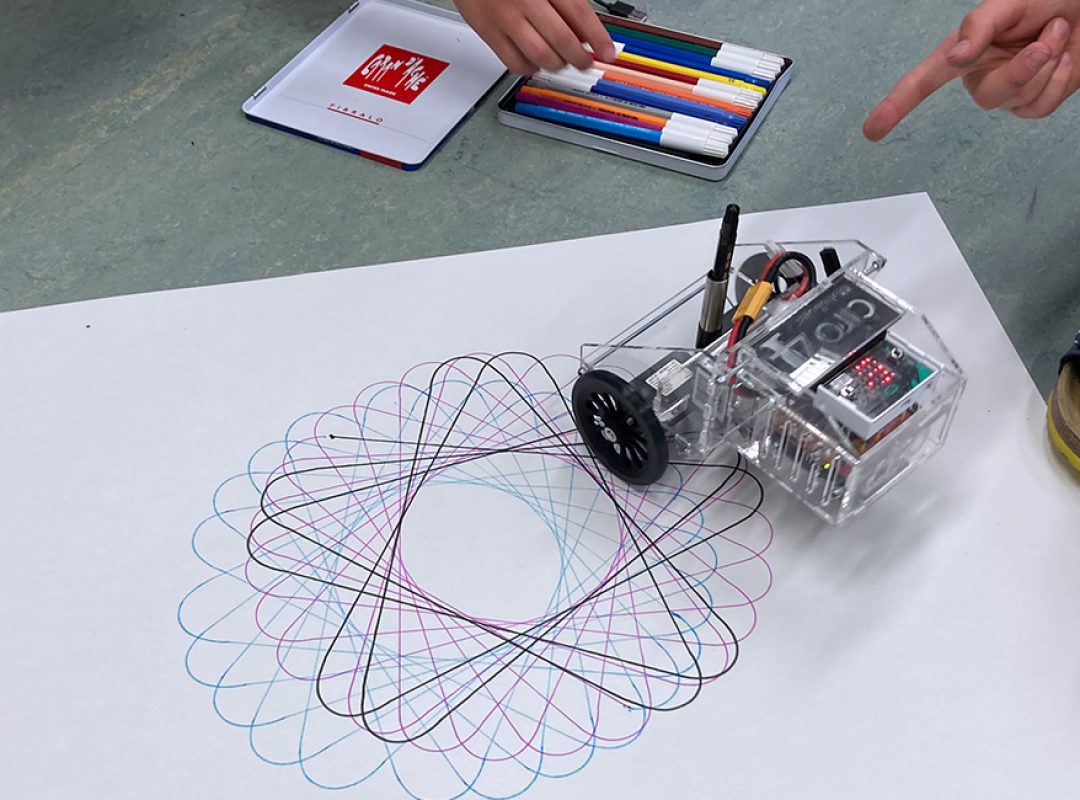
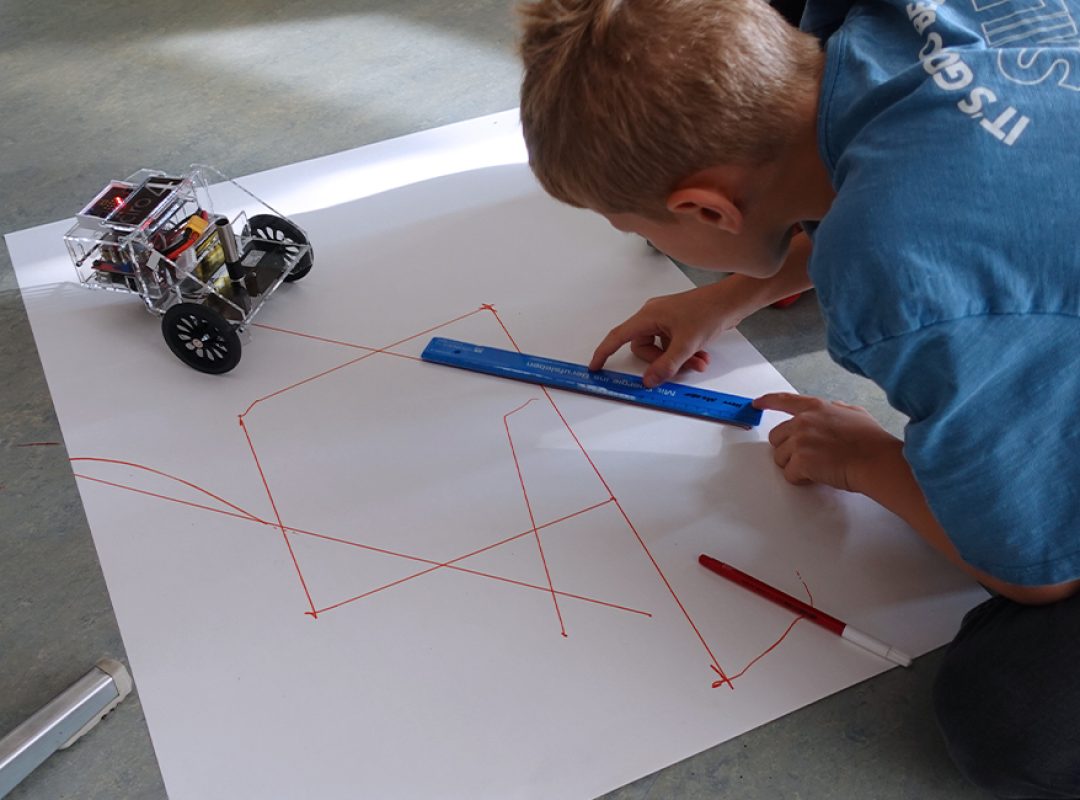
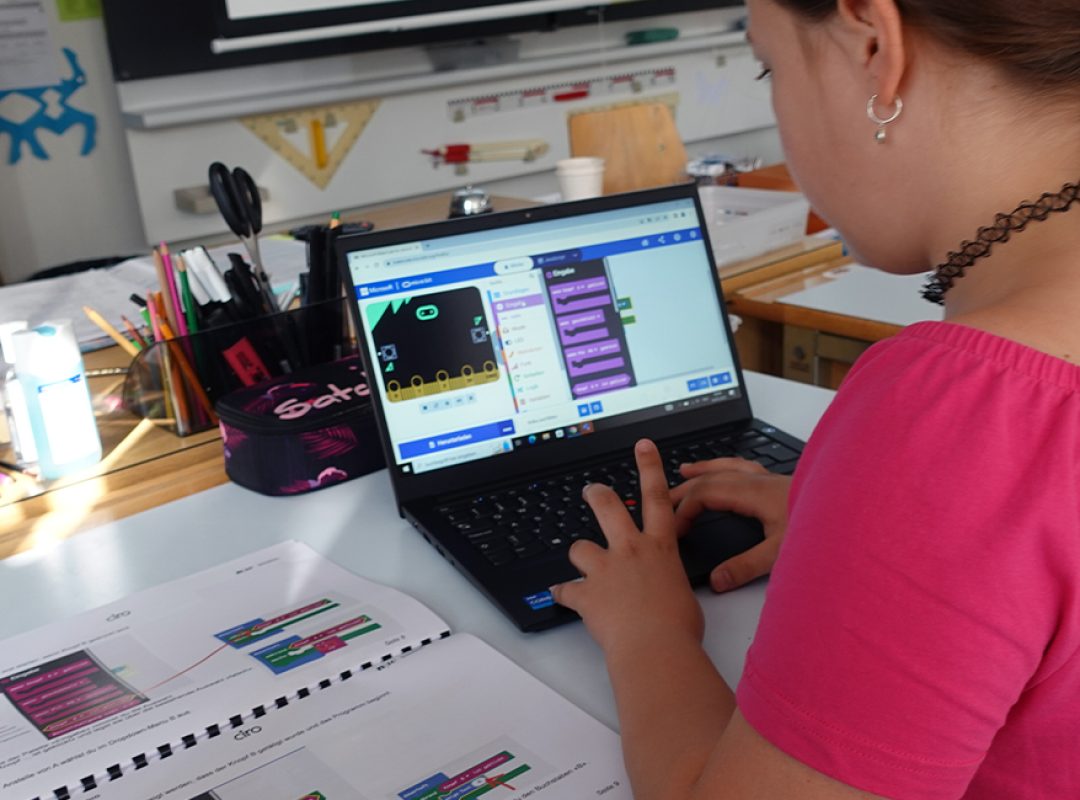
The Ciro drawing robot draws programmed symbols, drawings, or text on large sheets of paper or asphalt surfaces. Microsoft’s MakeCode Editor makes it easy to get started in a fun way.
Description
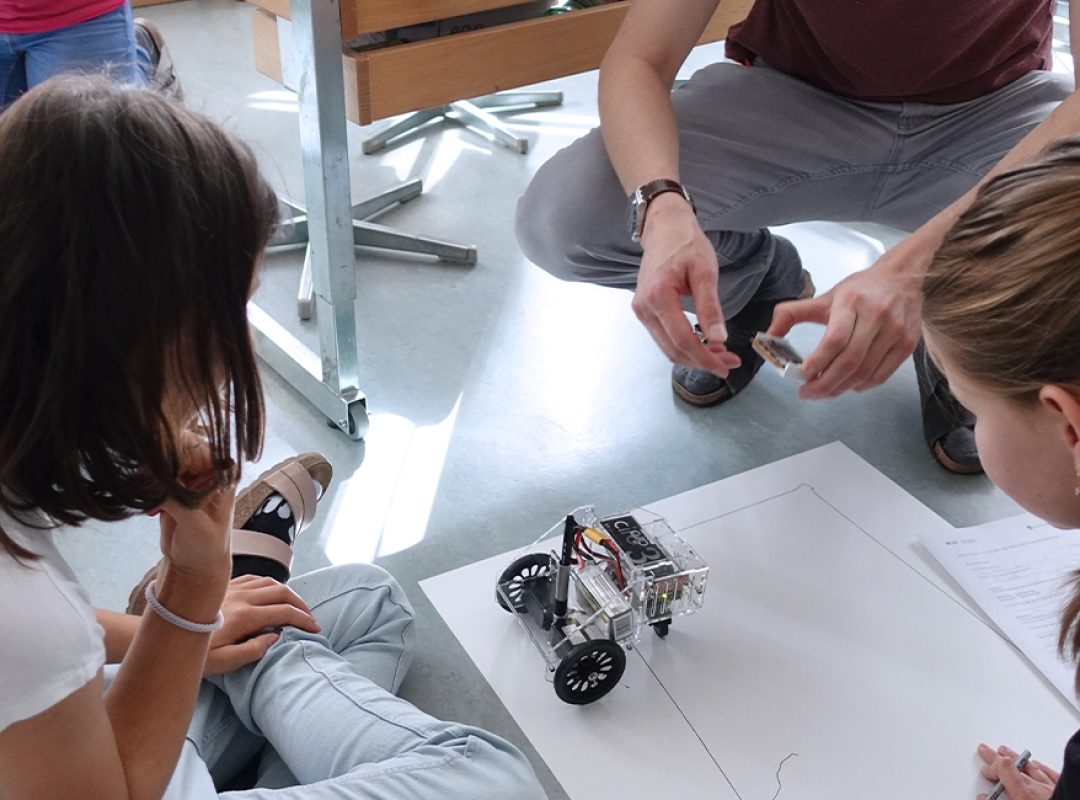
Use a robot to draw lines on a large sheet of paper or in the schoolyard. Would you like to design a playing field with your students, create a message, or decorate a space with lines or geometric shapes? Using text-based programming with the block editor from Makecode.Makrobit.org in a browser, teachers and students can design symbols, drawings, and text and have ciro, the drawing robot, draw them on the playground. The programmable microcomputer on the robot, combined with Microsoft’s MakeCode Editor, provides a playful introduction to programming. Classes or groups in the 2nd and 3rd cycles develop and practice cooperation skills and personal responsibility, as well as technical understanding and creative problem-solving. By studying the included materials, the teacher and the class gain an introduction to simple application development. They learn to formulate problems and their solutions in a way that the robot can execute.
Two Maker Boxes, each containing four ciro painting robots, are available for checkout at the FHNW Library on the Brugg-Windisch campus.
Downloads
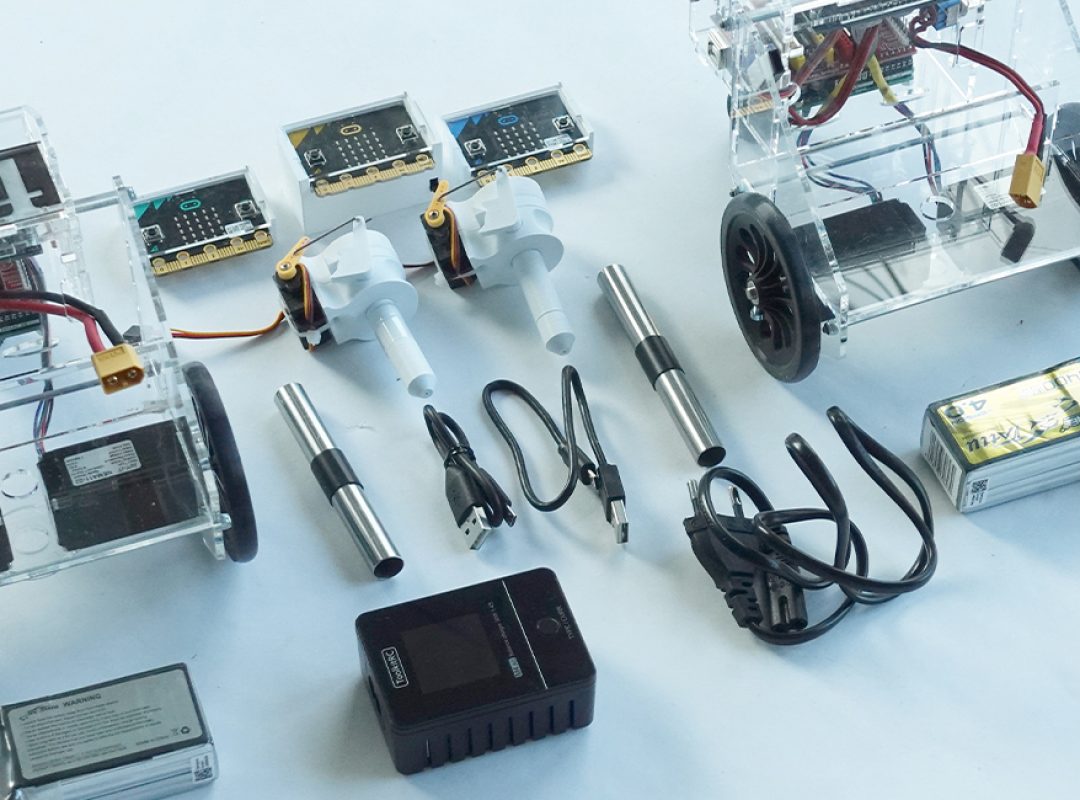
Materials
- Microcontroller
- Acryglas
- Battery Charger
Tools